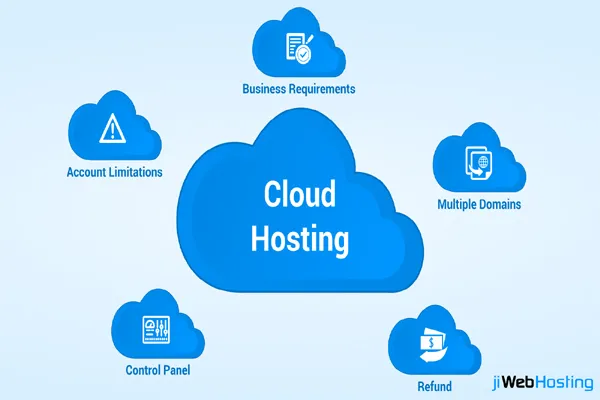
Cloud computing is the delivery of computing services—like servers, storage, databases, networking, and software—over the internet instead of running everything on your own local computer or server.
How Cloud Computing Works
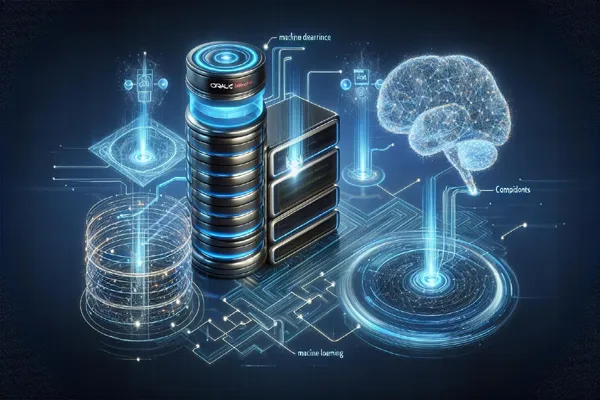
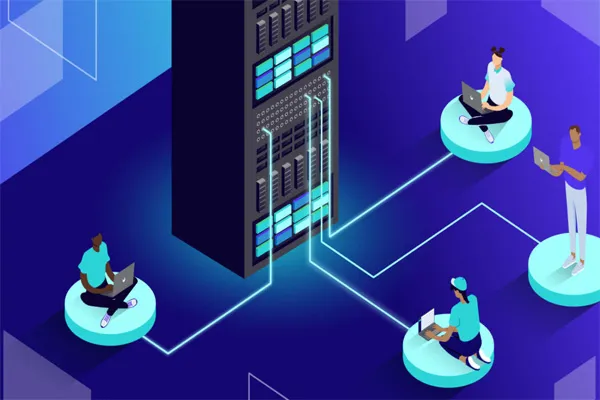
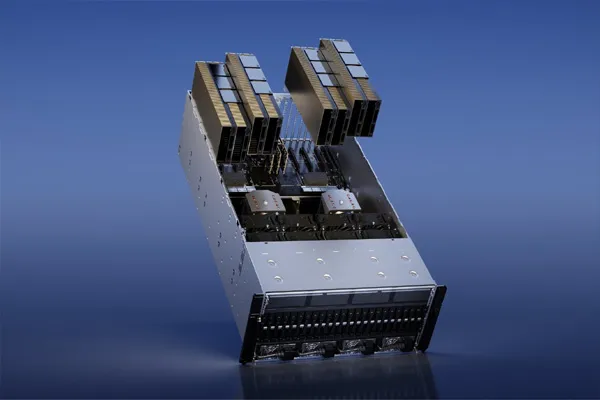
At its core, cloud computing relies on large data centers owned by companies like Amazon Web Services, Microsoft Azure, and Google Cloud Platform. These data centers contain thousands of physical servers connected together.
1. Virtualization
Cloud providers use a technology called Virtualization to divide one physical server into multiple virtual servers (called Virtual Machines or VMs).
This allows efficient use of hardware and lets many users share the same physical resources securely.
2. Internet-Based Access
Users access cloud services through the internet using browsers or apps.
For example, when you use Google Drive, your files are not stored on your device but on remote cloud servers.
3. On-Demand Resource Allocation
Cloud platforms automatically allocate resources (CPU, memory, storage) based on demand.
If your app suddenly gets more users, the cloud can scale up resources instantly—this is called elasticity.
4. Data Storage & Management
Data is stored across multiple servers and locations (data replication).
This ensures:
- High availability
- Backup and recovery
- Fault tolerance
5. Service Models
Cloud computing is offered in three main models:
- IaaS (Infrastructure as a Service)
Provides virtual machines, storage, and networks.
Example: Amazon EC2 - PaaS (Platform as a Service)
Provides a platform to develop and deploy applications without managing hardware.
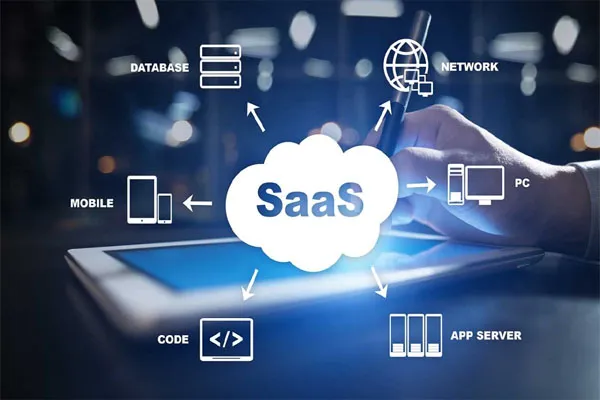
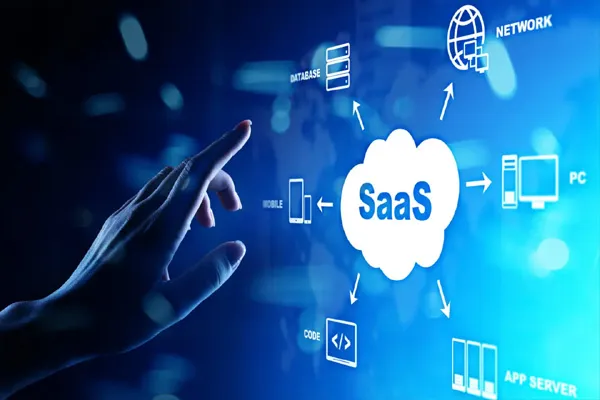
Example: Google App Engine - SaaS (Software as a Service)
Ready-to-use software delivered via the internet.
Example: Microsoft 365
6. Security & Monitoring
Cloud providers use:
- Encryption (to protect data)
- Firewalls and identity management
- Continuous monitoring systems
This ensures data is safe and systems run smoothly.
Simple Example
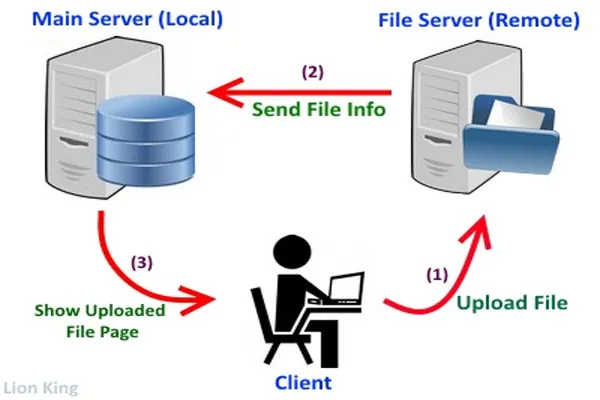
When you upload a photo to Google Photos:
- The file is sent over the internet
- Stored in a cloud data center
- Replicated across multiple servers
- Accessible anytime from any device
Key Benefits
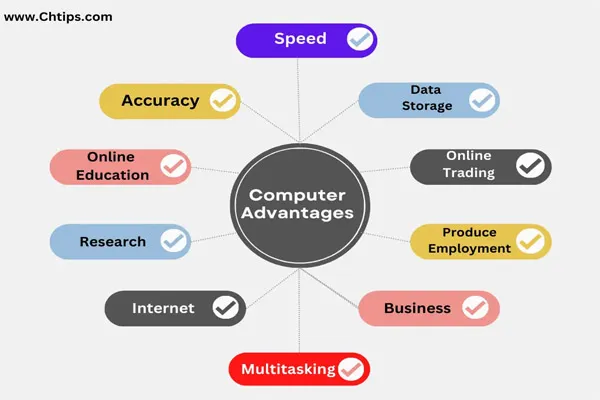
- No need to buy expensive hardware
- Access from anywhere
- Scalable resources
- Pay only for what you use