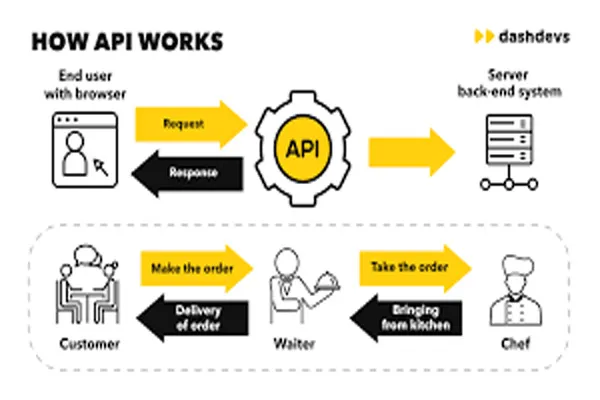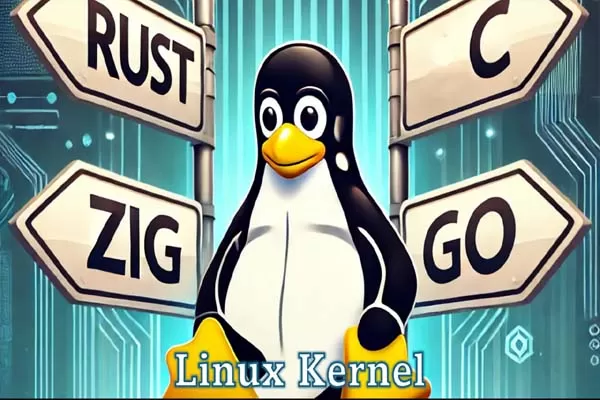
The Linux kernel is the core part of a Linux operating system that directly interacts with hardware and manages system resources. It works in the background (backend) without user interaction, acting as a bridge between applications and hardware.
1. Kernel Space vs User Space
Linux separates execution into two areas:
- User Space
Where applications run (browsers, editors, etc.) - Kernel Space
Where the Linux kernel operates with full hardware access
Applications cannot directly access hardware. They must request the kernel via system calls.
2. System Calls (Gateway to Kernel)
A system call is how programs communicate with the kernel.
Example:
- When you open a file → app sends request → kernel handles disk access → returns data
Common system calls:
read()write()open()fork()
3. Process Management
The kernel manages all running programs (processes):
- Creates processes (
fork,exec) - Schedules CPU time using a scheduler (like CFS – Completely Fair Scheduler)
- Handles process states:
- Running
- Waiting
- Sleeping
- Zombie
It ensures multitasking—multiple apps run smoothly at once.
4. Memory Management
The kernel controls RAM usage efficiently:
- Allocates and deallocates memory
- Uses virtual memory (each process gets its own isolated memory space)
- Handles paging and swapping
Prevents one program from crashing the whole system.5. Device Drivers (Hardware Communication)
The kernel interacts with hardware through device drivers:
- Keyboard input
- Disk operations
- Network communication
Drivers translate generic kernel commands into hardware-specific instructions.
6. File System Management
Linux kernel manages files using file systems like:
- ext4
- xfs
- btrfs
Responsibilities:
- Reading/writing files
- Managing permissions
- Organizing storage blocks
Everything in Linux is treated as a file (even devices).
7. Interrupt Handling
Hardware sends interrupts to the kernel when it needs attention.
Example:
- You press a key → interrupt → kernel processes input → sends to application
This makes the system responsive in real time.
8. Networking Stack
The kernel includes a full networking system:
- Handles TCP/IP protocols
- Manages sockets
- Routes data packets
This is how Linux connects to the internet.
9. Security & Permissions
The kernel enforces security:
- User permissions (read/write/execute)
- Process isolation
- Access control mechanisms
Advanced security modules:
- SELinux
- AppArmor
10. Modular Design
The Linux kernel supports loadable kernel modules (LKMs):
- Drivers can be added/removed without rebooting
- Keeps the system flexible and lightweight
Simple Workflow Example
Let’s say you open a file:
- Application sends request (
open()) - Kernel receives system call
- Kernel checks permissions
- File system locates file on disk
- Device driver reads data
- Kernel sends data back to application